


A Money Mastery review real dashboard is what happens when your business finances stop living in five different tabs and one lost spreadsheet. Instead of hunting for numbers across apps and files, everything you need lives in one working place, and you know exactly what to look at first.
Here is what to track when you make the shift.
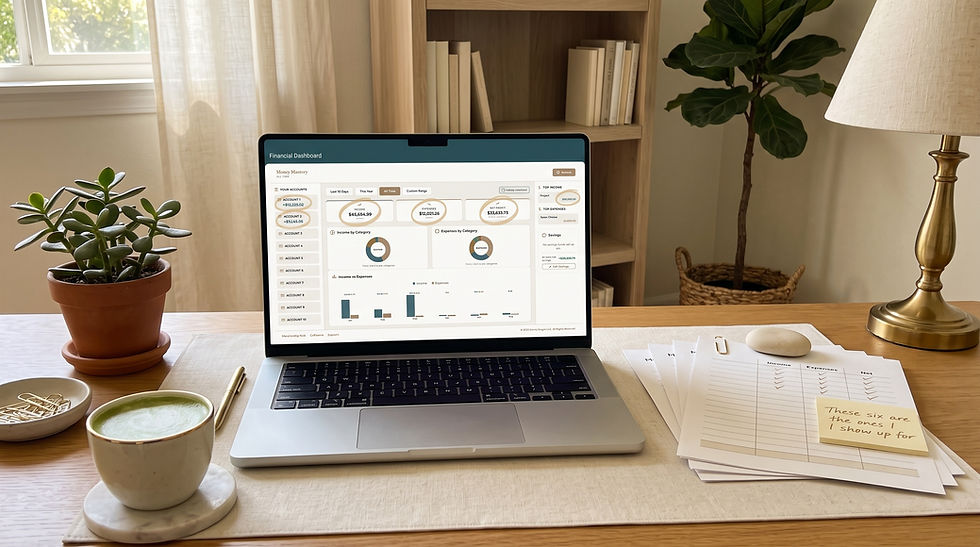
The 6 things to track first in your dashboard
Total money in for the month
Total money out for the month
What you kept after business expenses
Top three expense categories so you can spot drift
Tax money already moved so you know what is truly available
Owner pay taken so your rhythm is visible
That is your operating picture. Six numbers, one screen. If categorizing expenses still feels new, 35 Business Expense Categories Every Small Business Owner Should Be Tracking will make the setup even faster.
Why one dashboard beats scattered spreadsheets
No more toggling between eight apps
No more forgetting where you saved that one document
No more losing context when you close the laptop
No more starting over every quarter
Everything lives in one place, and it stays in that one place.
A comparison to make the choice easy
Scattered spreadsheets | Money Mastery review real dashboard |
Multiple files, multiple places | One working system |
Manual copying | Structured categories |
Guessing what matters | Six clear numbers up front |
Restarting after long gaps | Ongoing monthly story |
Solo work | Inside the Collective with other women |
What to move first when you make the switch
If you are coming from spreadsheets or scattered apps, use this order:
Move your last full month of statements
Categorize the biggest ten transactions first
Note your top three expense categories
Mark tax money and owner pay clearly
Set your weekly review time (pair this with How to Track Where Your Money Goes in 15 Minutes)
Attend Finance Friday Live inside the Collective for support
Twenty to thirty minutes gets you a working dashboard. Then it only gets easier. If your business and personal money are still mixed inside one account, walk through How to Seperate Business and Personal Finances before you migrate, so the dashboard reads clearly from day one.
How the dashboard works with the Collective
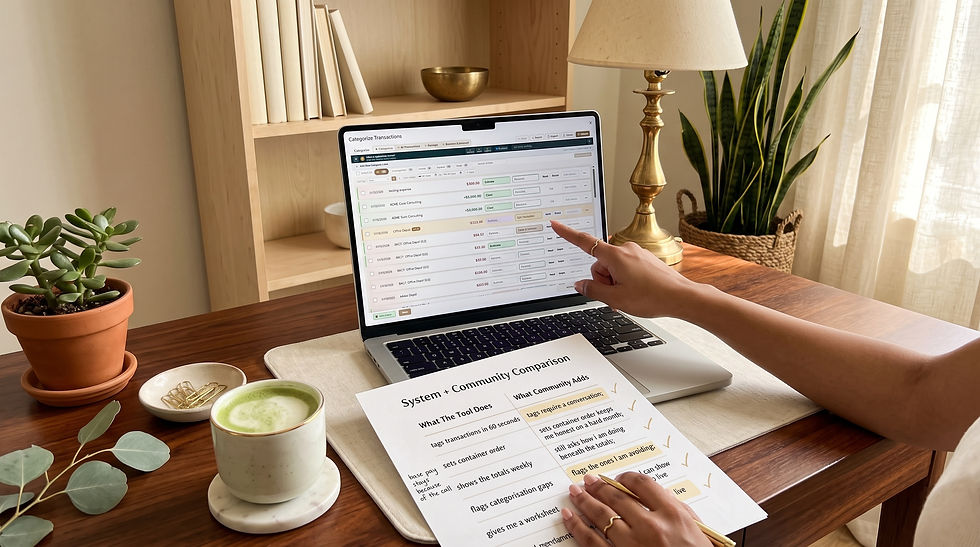
The dashboard is one piece. The other piece is the community around it. Inside the Collective:
The daily blog keeps you close to your numbers
The discussion feed turns your monthly story into a shared conversation
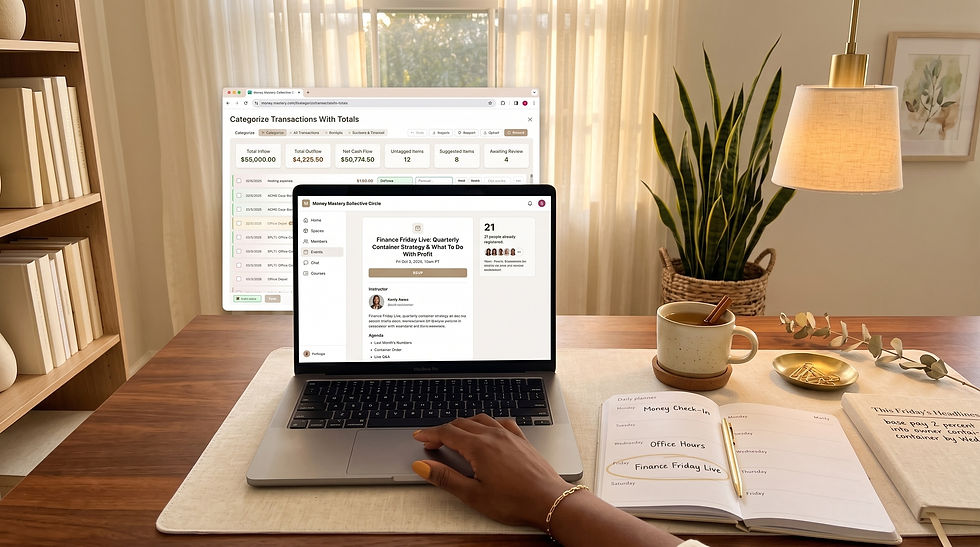
Finance Friday Live gives you Donna's live teaching each week
The Money Reset Call closes the month cleanly at Momentum
Office Hours answers specific dashboard questions at Momentum
That combination is what turns a dashboard into a life-changing money practice.
A story that shows the shift
Picture Rosa, a service business owner who has been running six spreadsheets and two apps for years. She spends the first weekend of the month rebuilding a picture that never quite matches. When she moves to a Money Mastery review real dashboard, three things happen fast. First, she sees her full monthly story on one screen. Second, she cancels three subscriptions she did not realize were still active. Third, she attends Finance Friday Live and hears Donna teach on the exact number that matters most for her current stage, which pairs beautifully with What Is Cash Flow? (And Why It's Not the Same as Profit).
By month two, Rosa is not just organized. She is in relationship with her business.
A quick joy check
Ask yourself:
When was the last time I opened all my money files and felt calm?
When was the last time I answered "what did I keep last month?" in under a minute?
When was the last time I felt supported while reviewing my business?
If those feel rare, this is the upgrade.
What to do next
Move your first month into a Money Mastery review real dashboard this week, and step into the Collective at https://moneymasterycollective.circle.so.
FAQ
What makes this dashboard different from a spreadsheet or a budgeting app?
The biggest difference is intent. Most spreadsheets and budgeting apps were designed to record transactions or track a spending plan. The Money Mastery System dashboard was designed to give women entrepreneurs a working, decision-ready view of their business and personal money at the same time. That means the categories are relevant to how a real business runs, the monthly breakdown is easy to read, and the numbers that matter most are the ones you see first. The dashboard also lives inside the Collective, which means it is surrounded by teaching, community, and rhythm. A spreadsheet gives you cells. A budgeting app gives you a plan. The Money Mastery System dashboard gives you clarity, conte support.
Do I need to migrate every account before the dashboard is useful?
No. The dashboard is useful from the moment you have one full month of data inside it. Many women start with one business checking account and one credit card and add more later. The point is not to build a perfect data set. The point is to see your money more clearly with each passing week. As you get comfortable, you can add other accounts, refine categories, and increase the level of detail. The reason this matters is that many women delay switching systems because they think they need to overhaul everything at once. You do not. Start with one month, see what you kept, and let the value compound from there.
How do I know when the dashboard is starting to work for me?
You know it is working when three things start happening. First, you begin answering the question "what did I keep last month?" in under a minute. Second, you notice patterns from one month to the next that you never used to see, like a recurring subscription that keeps drifting up or an income stream that is quietly becoming more important. Third, you find yourself making small decisions faster and with less anxiety, because you trust the numbers you are seeing. When the dashboard is inside the Collective, a fourth signal shows up: you start bringing what you see to Finance Friday Live and the Money Reset Call, and you use the community to make the picture even sharper.